
Run the shop floor and the office from one system.
Shop as in the shop floor. Office as in invoicing, accounting and A/R — one system runs both, for make-to-order manufacturers and wholesale distributors. Quoting, job costing, scheduling, shop-floor data collection and purchasing, with every year of your order history moved in.
Book a live demo and see it running on your own customers, parts, and orders. Send your data ahead and we'll have it loaded. No IT required.
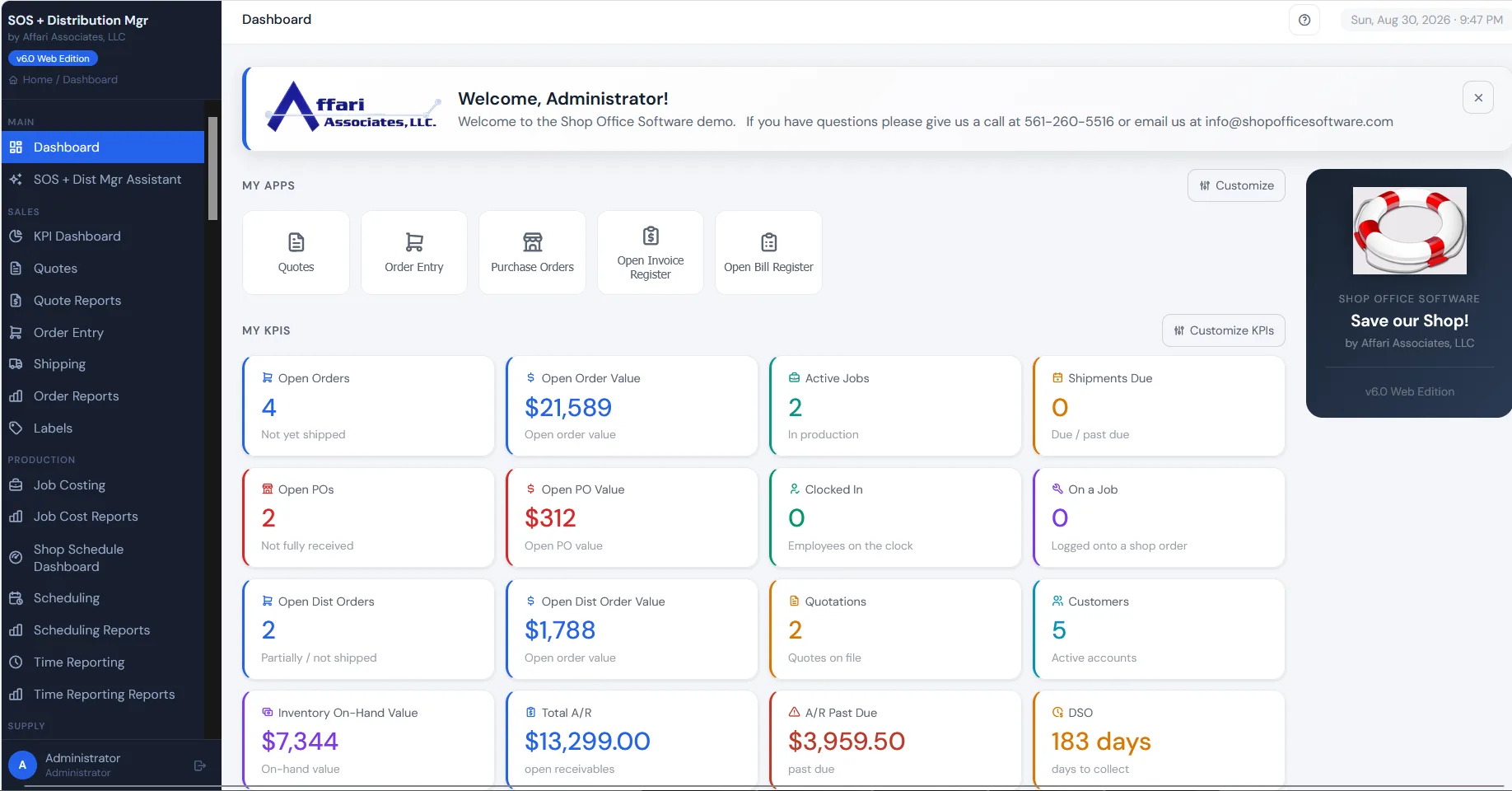
Know where every order, part, and dollar stands.
See the whole business
Quotes, orders, and shipments on one dashboard, not in a report someone runs on Fridays.
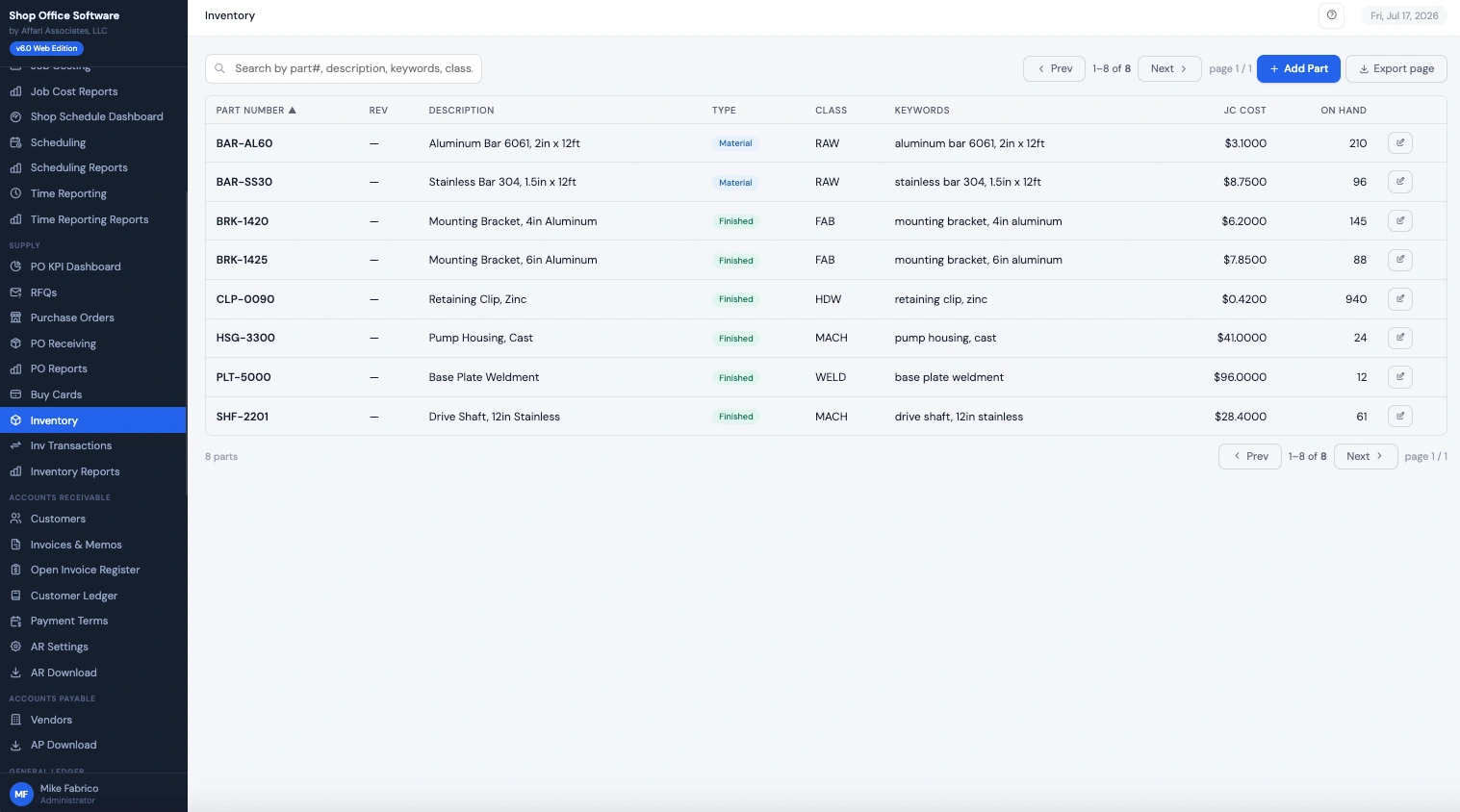
Inventory that keeps up
Every part, cost, and quantity, with the full transaction trail behind it. Built for thousands of SKUs.
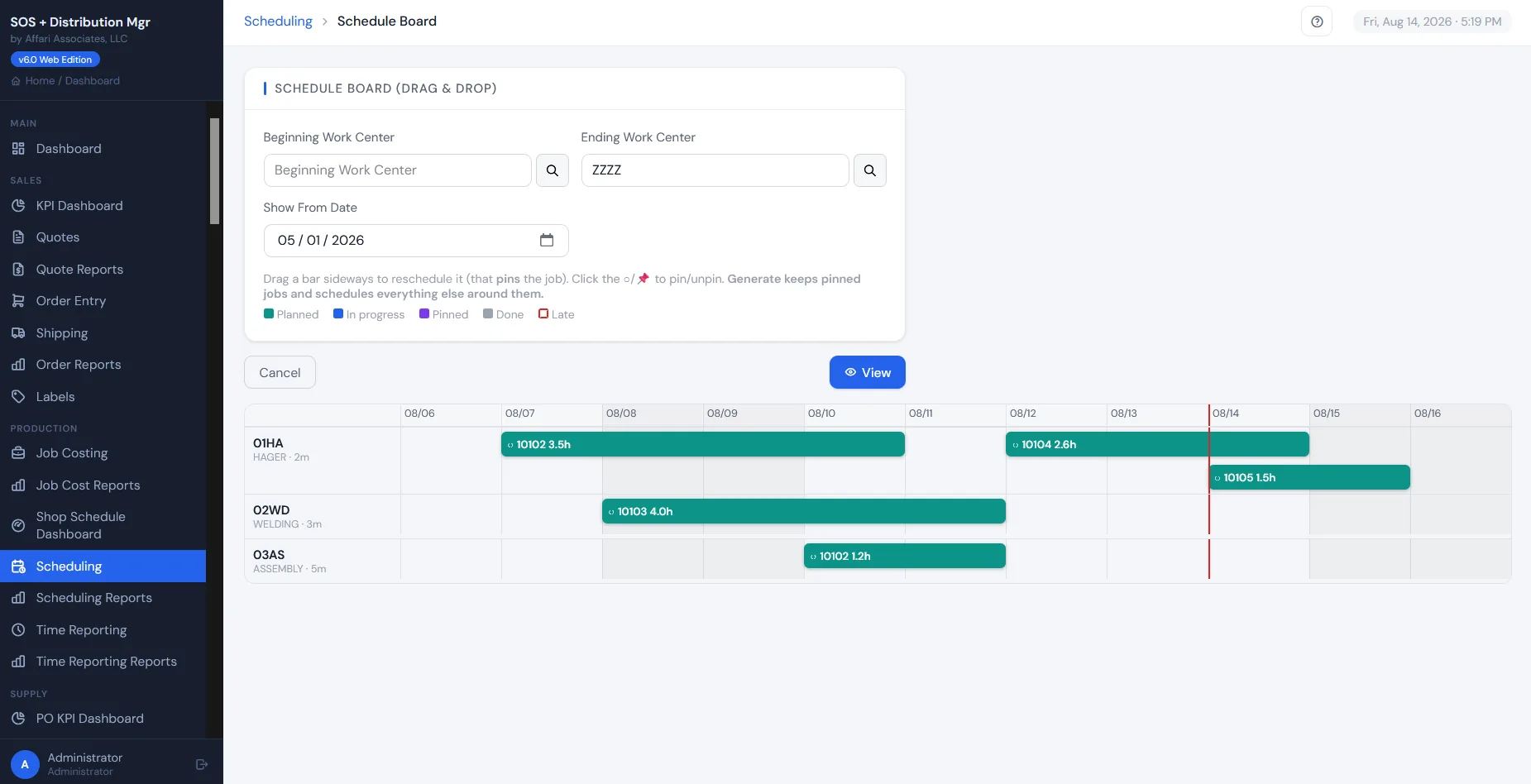
Scheduling that holds the floor
Schedule by order or work center, drag-and-drop, forward or backward, by shipping date or scheduled due date.
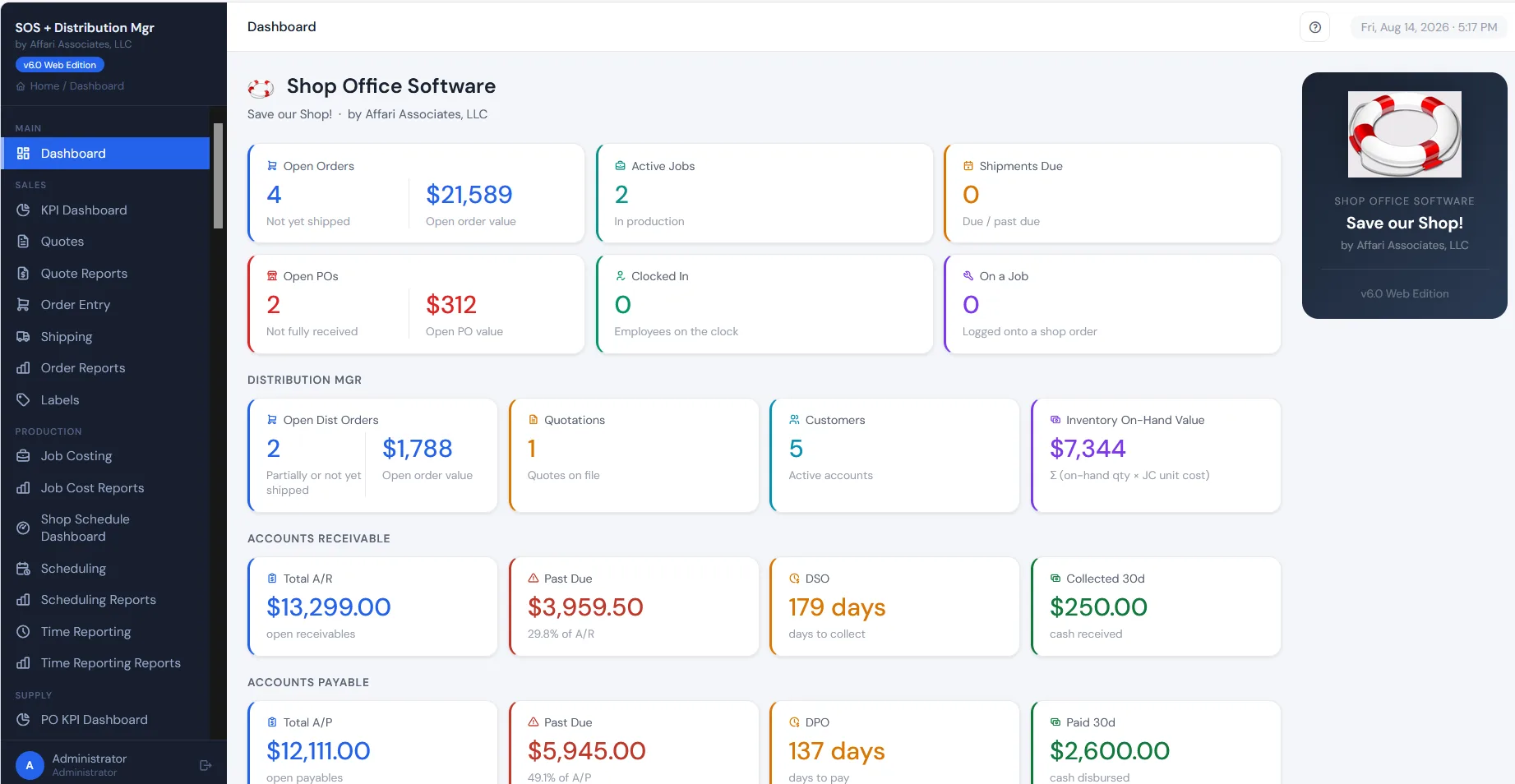
Whether you make it, stock it, or both.
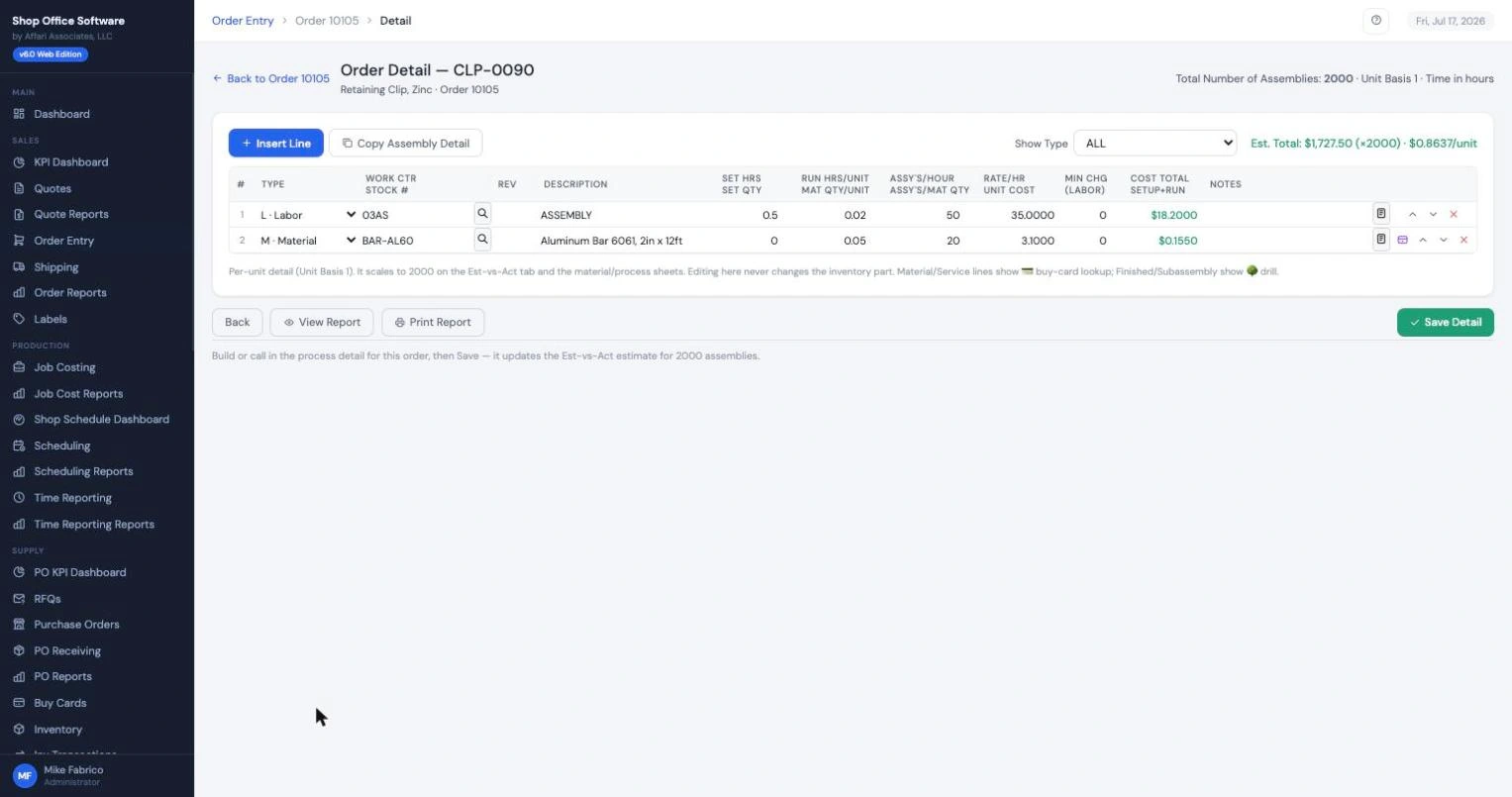
For manufacturing job shops Base system
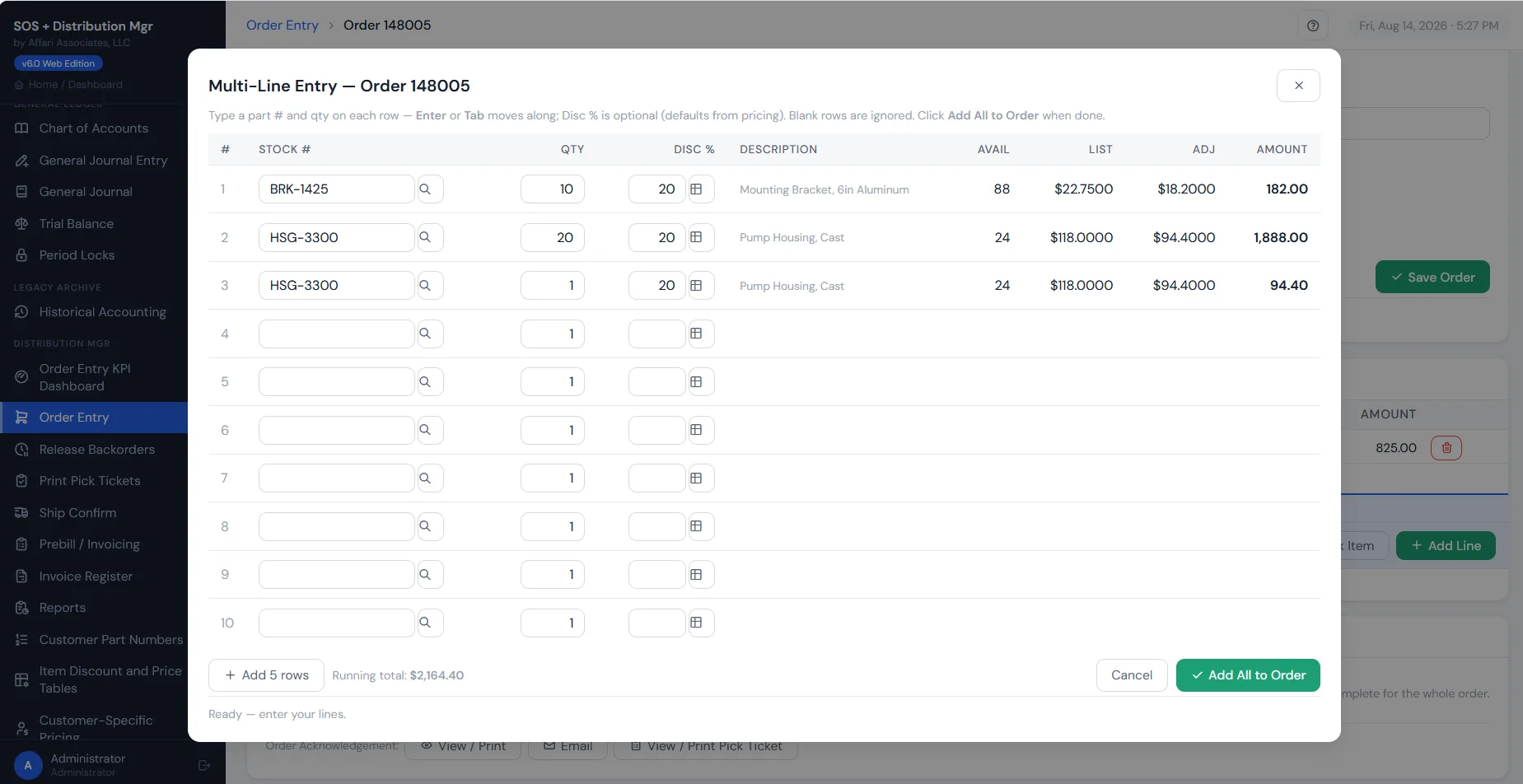
For distributors Add-on module
Every year of history comes with you.
Customers, vendors, part numbers, shop orders, AR and AP, and every year of order history, converted from your current system into a working SOS sandbox before you commit to anything — included with a system purchase (up to three days of conversion consulting).
It works the way your office already works.
SOS is a faithful modernization of the systems this industry actually runs on. Same concepts, same order flow, same fields your people know. Just in a browser, on any computer, with nothing to install.
Your veteran order desk feels at home on day one. Your new hires never see a green screen.
Tour the screens →Your three real options.
You call. A person answers.
Onboarding with your data
Setup happens around your converted data, not a blank system. We map, you verify, your team clicks through real orders before day one.
Your crew, up to speed fast
Because SOS follows the workflow your office already knows, training is measured in hours. We work with your people directly.
Direct line to the builders
No tiered ticket queue. Questions go to the people who wrote the software and who converted your data.
What conversion looks like
How migration works →Frequently asked questions
It comes with you. We convert your customers, part numbers, open orders, and order history from your current system into SOS, and you review it in a working sandbox before go-live.
Weeks, not months. The first conversion pass usually takes days once we have a data extract; then you click through your own data, we tune the mapping, and you pick a go-live date.
AI writes it, and people verify it — twice. The conversion programs are written with AI against your system’s actual table layouts, a person checks the code and its output field by field, and then you verify the converted data in a working sandbox against your own reports before go-live. That’s what makes conversion code tailored to your exact system practical instead of a consulting project.
No. SOS runs in a browser. There is no server to buy, no database to administer, and nothing to install on each PC. If your office can use a website, it can run SOS.
Shop Office Software runs your shop floor and the shared inventory, customers, and vendors. Add the Distribution Mgr module for the wholesale order desk. Each side has its own order entry, built for its work, and both share one database: the same inventory, the same customers, and the same A/R.
One flat, one-time price per company for the system you run — a perpetual license, not a per-user subscription. Add the Distribution Mgr module when you need the order desk. Head to the pricing page to compare it against what per-seat systems would cost at your headcount.
Yes — the SOS + Dist Mgr Assistant, built on Claude AI. Ask about your own business in plain English and it answers from your live data and the built-in help. It is strictly read-only, so it can never change your data, and it runs on your own Anthropic key with a monthly budget cap you set inside the app.
Yes, that is the standard path. Send a data extract, and your demo happens inside a sandbox loaded with your actual customers, parts, and history.
Bring your data. Keep your workflow. Move forward.
See SOS running with your own customers and parts before you decide anything.